Category: Genvid AI Production Platform
-

Your AI Platform’s Shared Responsibility Model is the New Vendor Qualification
Consider a Monday morning in your production office. An artist is iterating on a sequence for an unannounced title using an AI agent inside your generation platform. The screenplay, the character reference frames, and the early renders of the third-act reveal are all in the system. An hour later, an attacker exploits a misconfigured permission…
-
MCP, New Audio Models and Voice Cloning: Your Production Pipeline, Connected.
MCP, New Audio Models and Voice Cloning: Your Production Pipeline, Connected. Genvid’s latest release sharpens the daily production experience across the board, from the dashboard your team opens every morning to the audio tools shaping your characters’ voices, to new infrastructure that connects your production environment with the broader tool ecosystem. MCP: Your Production Pipeline,…
-
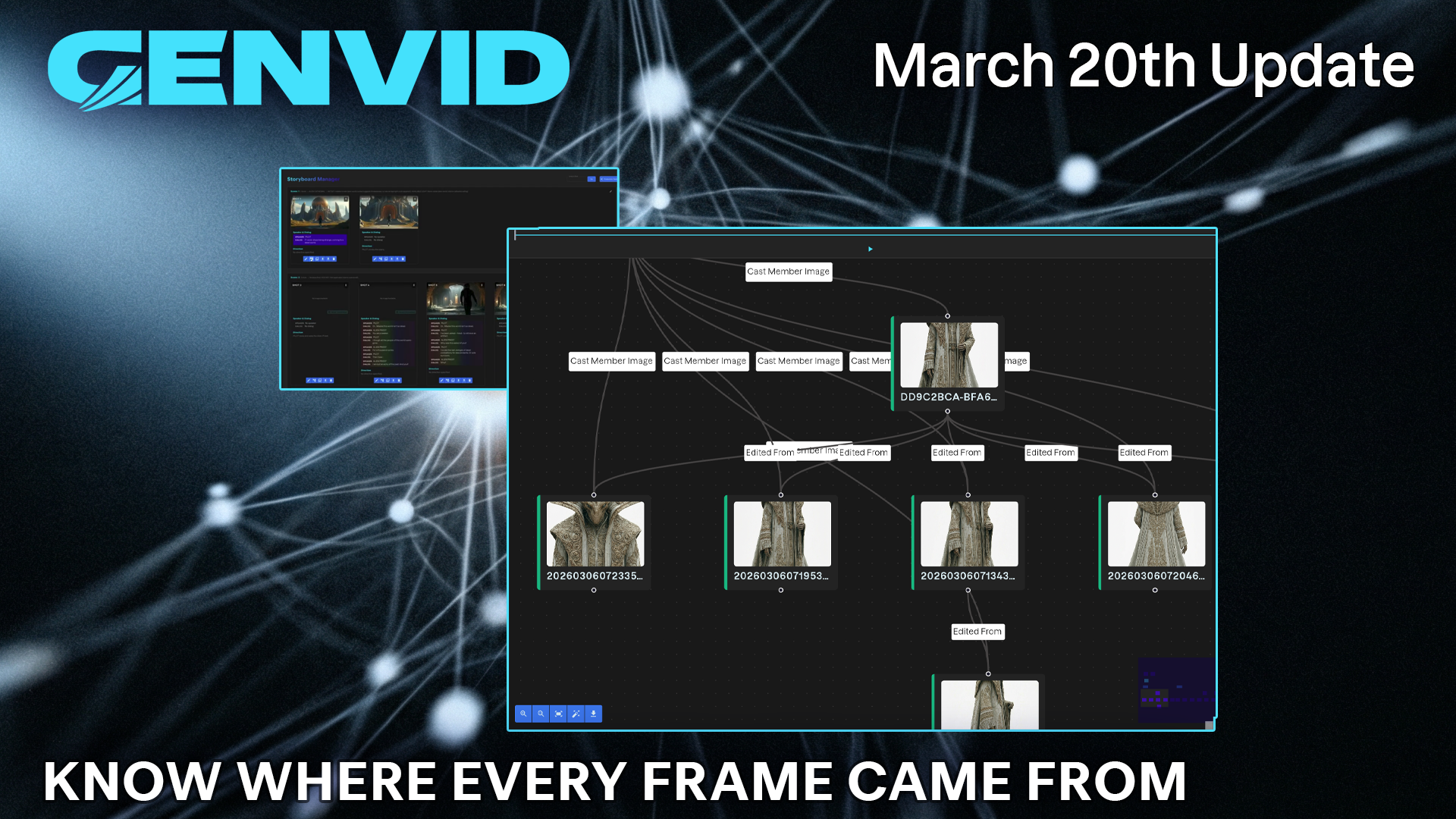
Know Where Every Frame Came From.
Know Where Every Frame Came From. Production accountability has always demanded documentation. From script supervisors, continuity coordinators to VFX producers and more, every department maintains records because productions are long, teams are large, and memory is not a production tool. Genvid extends that same discipline into the generative layer, giving your team a complete, auditable…
-
Why Provenance Is the Foundation of Studio-Grade AI Production
By Jerry Heinz, CIO, Genvid Every production has a chain of custody. In traditional filmmaking, that chain is physical: camera metadata embedded in every take, call sheets documenting who was on set, dailies labeled and logged by hand. It is imperfect, but it is traceable. When a distributor asks where a shot came from, you…
-
Full provenance. Fine-grained control. Production discipline at every level.
Full provenance. Fine-grained control. Production discipline at every level. Budget accountability now extends to the provenance graph itself. Cost attribution via provenance traces generation expenses back to their source, giving production leads and finance teams a transparent, auditable view of where spend is occurring across every asset in the pipeline. No more cost black boxes.…
-
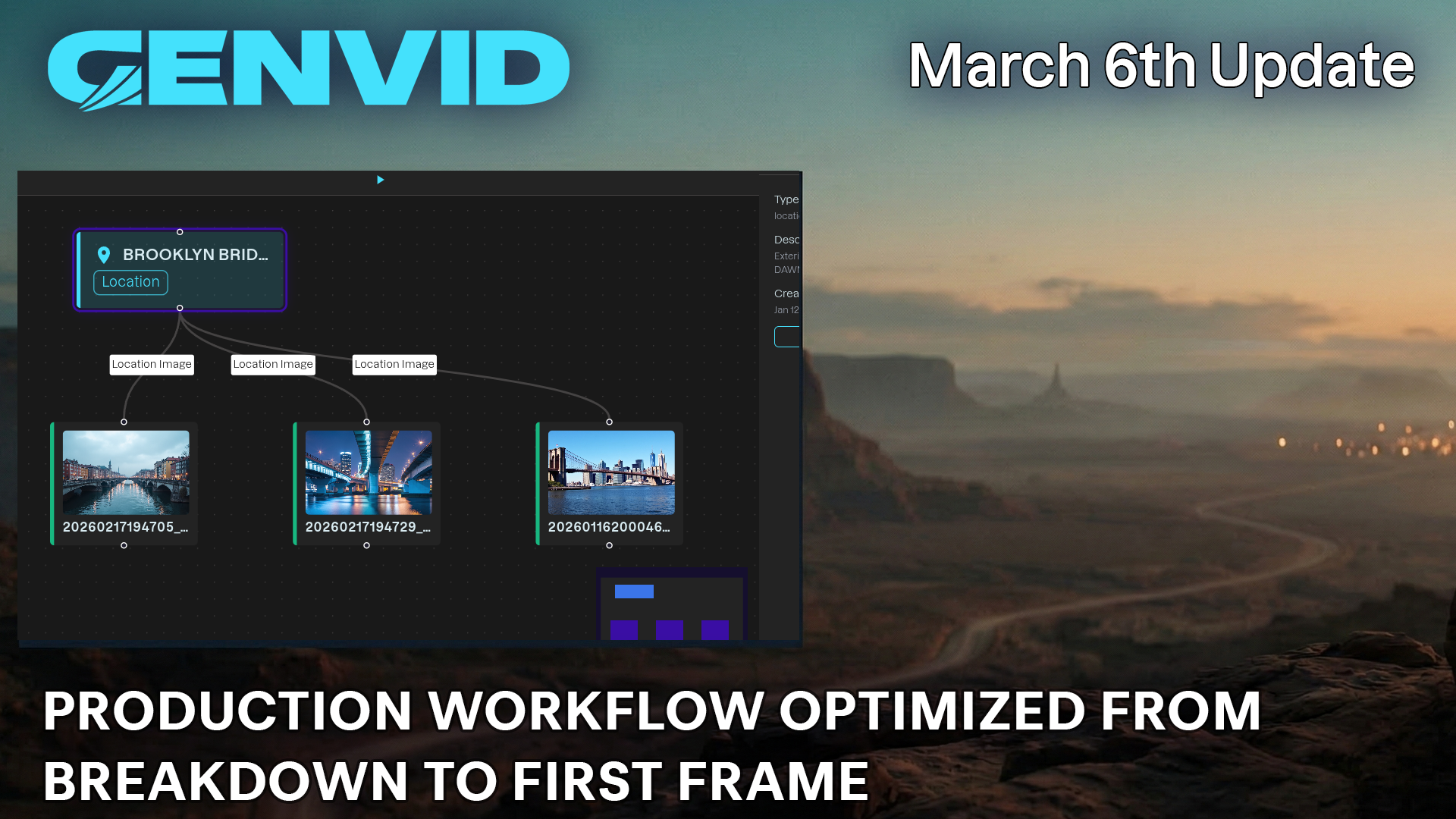
Production workflow optimized from breakdown to first frame.
Production workflow optimized from breakdown to first frame. Every asset generated on Genvid carries a complete record of its origins. Generation Provenance Tracking now captures additional generation parameters, structured metadata, and user attribution at the moment of creation, giving studios and production teams the traceability they need as projects grow in scale and complexity. Getting…
-
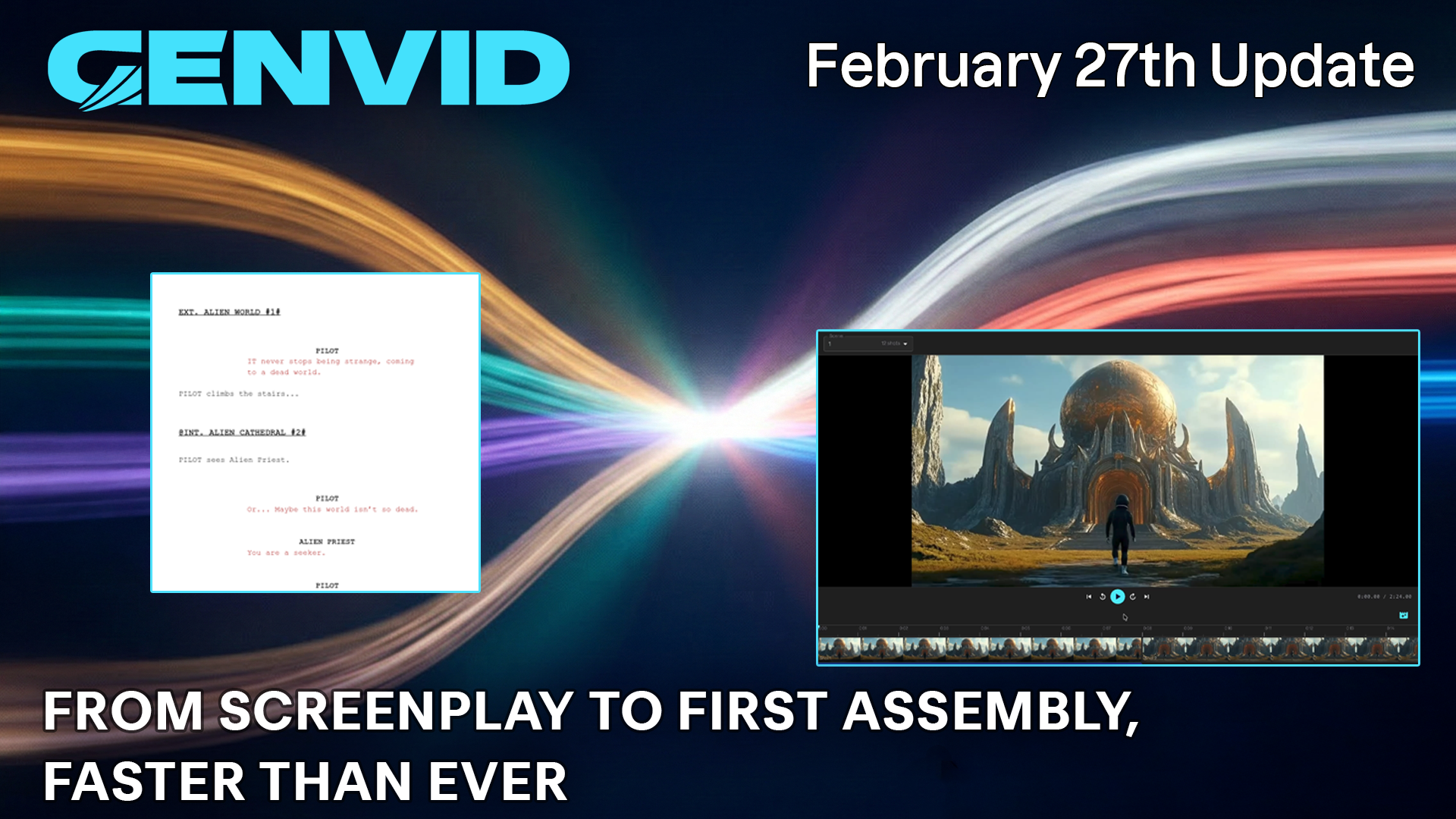
From screenplay to first assembly, faster than ever.
From screenplay to first assembly, faster than ever. Two more image generation models are available through our Google and FAL integrations – expand your visual toolkit with the latest in diffusion quality — more stylistic range, more ways to realize a frame exactly as intended. The Timeline Editor is a significant step forward for production…
-
Boost Your Workflow: Nano Banana 2 & Timeline Editor
Today, we are thrilled to unveil a major upgrade to the Genvid platform. We have officially integrated Nano Banana 2 ? to bring you unparalleled visual fidelity, alongside our all-new Timeline Editor designed to put total creative control directly into your hands. Whether you are refining complex AI-generated assets or structuring your production sequence, these…
-
A range of quality-of-life improvements and fixes this week.
A range of quality-of-life improvements and fixes this week. Teams now have proper role-based access control at the project level. Assign members to specific projects with defined roles, keeping sensitive work appropriately scoped and collaborative access well-governed. Media record lookup gives you quick access to the details behind any asset. Billing attribution for keyframes now…
-

Sharper controls. Smarter agent. Tighter production discipline.
Sharper controls. Smarter agent. Tighter production discipline. Shot Direction introduces fine-grained metadata and control over individual shots, giving the agent richer information to work with when assisting on complex sequences. Project dashboards have been redesigned for clarity, and budget controls are now enforced at the asset level; modifications to over-budget projects are blocked before mistakes…